Find out how to get and watch Disney+ on BT TV, which TV boxes support the app and how to sign in.
How to watch Disney+ on BT TV
You can find the Disney+ app on your TV Box Pro and TV Box Edge.
To watch Disney+, you'll need to:
- Sign up directly with Disney+. Visit the Disney+ website or use the Disney+ app to create an account and subscription.
- Open the Disney+ app on your TV box. Sign in using your Disney+ account.
Disney+ isn't included in BT TV packages. Your subscription is managed directly by Disney, including billing, account changes and cancellations.
Which BT TV boxes support Disney+?
You can watch Disney+ on:
TV Box Pro

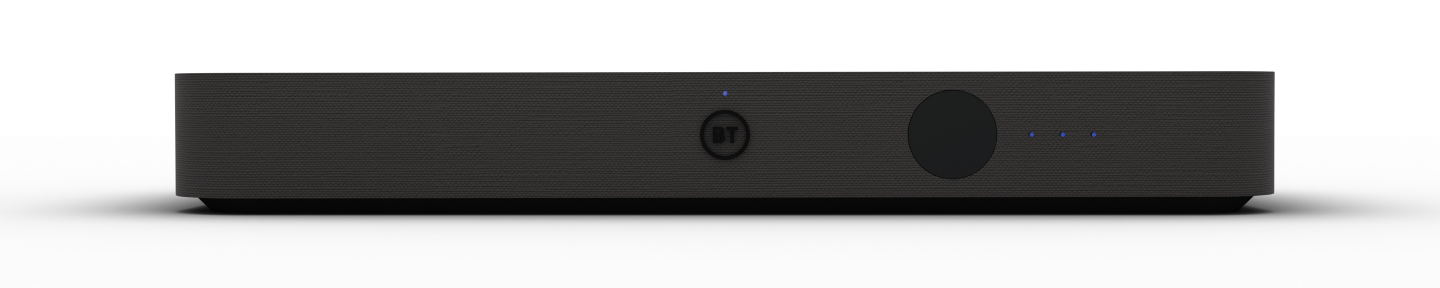
TV Box Edge

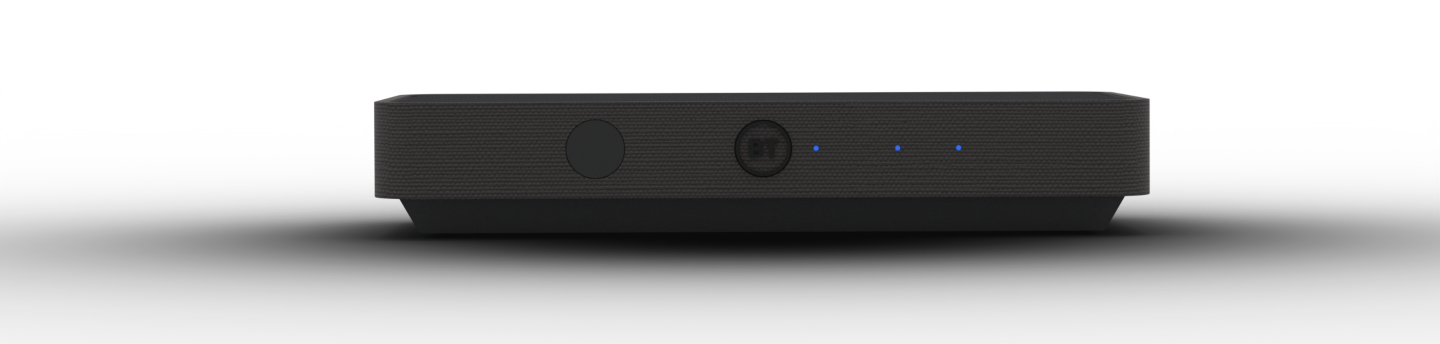
Disney+ isn't available on our older TV boxes. If you'd like to get a new TV box, just get in touch.
How to watch Disney+ on BT TV
You'll find the Disney+ app on the main app screen on the TV Box Pro and TV Box Edge, you'll just need to log in with your active subscription:
- Open Disney+ on your TV box.
- Select Log In.
- Scan the QR code shown on your TV, or go to DisneyPlus.com/begin and enter the 8-digit code shown on screen.
Parental controls
If parental controls are turned on for your BT TV box, you'll be asked to enter your PIN before Disney+ opens.
Find out more about using your BT TV PIN and parental controls.
Need more help?
If you're having problems with the Disney+ app, your subscription or Disney+ content, visit the Disney+ Help Centre.
Seeing Error 36?
If you see Error 36 when trying to watch something in the Disney+ app, try resetting your TV box.
Find out how to reset your BT TV box.
If you're having another problem with your BT TV service, visit BT TV help.