Use the My BT app to check your bills, track your usage, and manage your BT services from your phone - all in one place, anytime. Everything updates automatically, so you always see the latest information.
The app only works with BT accounts and BT Mobile SIMs (not BT Business SIMs)
Your usage (calls, texts, data) is usually shown in real time
What the My BT app does
- Manage all your BT services (broadband, TV, home phone and mobile) in one place.
- Check your bills, payments and recent charges.
- Track your usage (data, minutes, texts and broadband activity).
- See how much you have left in your mobile plan.
- Manage multiple SIMs on one account.
- Get updates, track orders, and manage faults.
- Book engineer visits and manage appointments.
- Control your Wi-Fi and connected devices.
What you need to use it
- a smartphone or tablet
- Apple (iPhone/iPad) running iOS 18 or later
- Android device running Android 14.0 or later
- an internet connection (Wi-Fi or mobile data)
- a BT ID (your account login)
Key features of the My BT app to make managing your account easy
Check your account
- view bills and download past statements
- see what you’re paying and when
Track your usage
- see how much data, minutes and texts you’ve used
- check how much you have left
Manage your services
- change or renew your package
- view or track orders and faults
Improve your home setup
- manage your broadband and Wi-Fi
- control connected devices
Get help
- access support and troubleshooting
- receive important updates
Get Started
Download the My BT app from your app store - Apple | Android
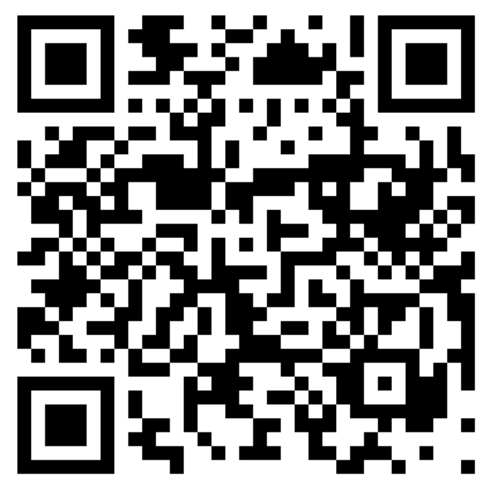
Or scan this QR Code on your device.
Sign in with your BT ID
You’ll also be asked to set up a 4-digit PIN for quicker access.
If your device supports it, you can use Face ID or fingerprint login.
Need some help?
Don’t have a BT ID? Create one using your email address and account number (on your latest bill).
If you’re having problems using the My BT app, a few quick checks can usually get things working again